How to Identify Fake Crypto Wallets and Avoid Losing Funds

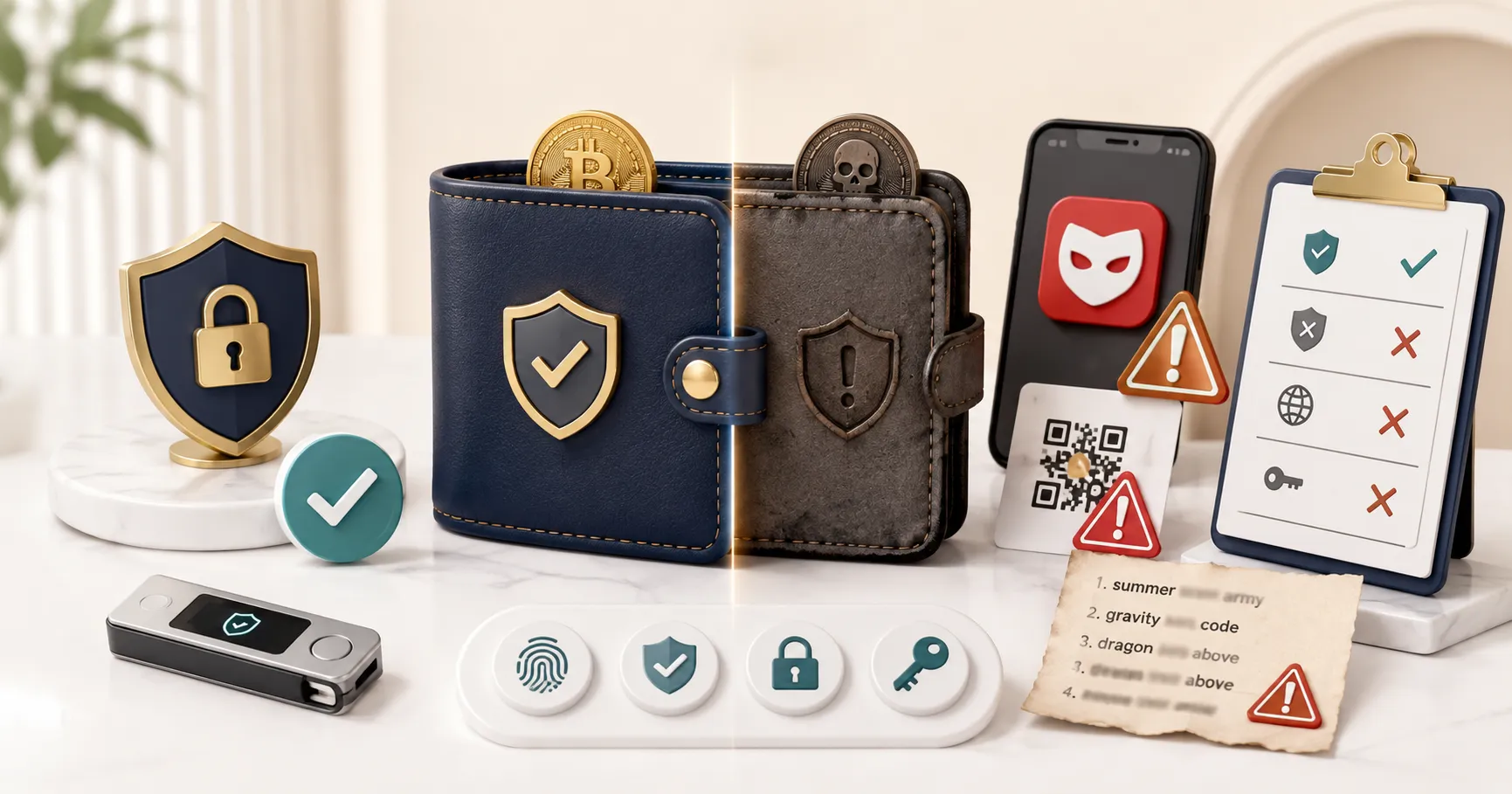
- Fake crypto wallets mimic legitimate apps in appearance but secretly steal seed phrases, send funds to attacker addresses, or lock users out after deposit
- The three primary distribution channels are fake Google/App Store ads, cloned websites with near-identical URLs, and social media links from fake support accounts
- The only safe source for a crypto wallet is the official developer's own verified website or the official app store listing verified by publisher name
- Hardware wallets purchased from unofficial resellers can be pre-tampered - always buy directly from the manufacturer
Fake crypto wallets are malicious apps or websites designed to look like legitimate wallets (MetaMask, Trust Wallet, Phantom, Ledger Live) but capture seed phrases, private keys, or login credentials the moment they are entered. The victim generates a wallet, deposits funds, and may use the wallet normally for a period before discovering their funds have been swept to the attacker’s address. Fake wallets have been found on the Apple App Store, Google Play, third-party app stores, and distributed through search engine ads and social media links. This guide explains how fake wallets are distributed, how they operate, and how to verify that any wallet you use is legitimate.
How Fake Wallet Scams Work
Seed phrase harvesting on setup. When the victim “creates” a new wallet in the fake app, the seed phrase displayed is pre-generated by the attacker, not genuinely random. The attacker already has a copy of the seed phrase before the victim ever sees it. When the victim deposits funds, the attacker sweeps them using their pre-held copy of the seed phrase. The victim may not discover this for days or weeks if they do not check their balance frequently. Seed phrase entry harvesting. When the victim “imports” an existing wallet by entering their seed phrase, the phrase is transmitted to the attacker’s server. The attacker then uses this phrase to access the wallet directly. Malicious app updates. Some fake wallets are initially functional legitimate-seeming apps that introduce malicious code in a later update. The user trusts the app based on initial experience, then loses funds after updating. Clipboard hijacking. Some malicious apps monitor the clipboard and replace copied wallet addresses with the attacker’s address. The victim copies their own deposit address, but the pasted version has been swapped, sending funds to the attacker.
How Fake Wallets Are Distributed
Fake app store listings. Malicious apps with names nearly identical to legitimate wallets appear in app stores: “MetaMask Wallet,” “Trust Crypto Wallet,” “Phantom Solana Wallet.” App store review processes catch many but not all fakes. Some appear briefly before removal. Google and social media ads. Ads for “MetaMask download,” “Trust Wallet official,” and similar terms frequently link to phishing sites distributing fake wallet files. Third-party app download sites. Sites offering APK downloads of popular wallet apps may distribute modified versions with malicious code. Fake update prompts. Pop-ups or messages within the wallet interface claiming the app needs to be updated, with a link to download the “update” from a non-official source.
How to Download a Legitimate Wallet
Use the official website exclusively. Navigate directly to the official website by typing the URL yourself: metamask.io, trustwallet.com, phantom.app, ledger.com. Download the wallet from the link provided there. Do not use Google search results or social media links to find the download page. Verify the developer name in the app store. In the Apple App Store or Google Play, check the developer/publisher name: MetaMask is published by ConsenSys, Trust Wallet by Trust Wallet, Phantom by Phantom. Any deviation from these names suggests a fake. Check download count and rating history. Established wallets have millions of downloads and years of ratings history. A wallet with a suspiciously low download count claiming to be a major product is a red flag. Verify the browser extension ID. For MetaMask specifically, the legitimate Chrome extension ID is nkbihfbeogaeaoehlefnkodbefgpgknn. Any other extension claiming to be MetaMask is fake.
Safe Practices After Installing a Wallet
Generate your seed phrase in a private environment with no screen sharing, no one looking over your shoulder, and no cloud sync or screenshot features active. Write the seed phrase on paper, store copies in two separate secure physical locations. Never photograph it, email it, or store it digitally in any form. Never enter your seed phrase on any website or application other than the legitimate wallet interface for restoration on a new device.
Our Take
Fake crypto wallets succeed by appearing identical to legitimate ones at the moment of download. The protection is entirely in the verification process before downloading: use only the official developer website as the source, verify app store publisher names exactly, never accept wallet software from social media or Discord, and for hardware wallets, purchase only from manufacturer websites. Once funds are deposited in a fake wallet, recovery is unlikely. The cost of five minutes of verification is zero; the cost of skipping it can be everything.
This article is for informational and educational purposes only and does not constitute financial advice.
Frequently Asked Questions
